Genova
Manage Deductibles
Editing Deductibles in the Genova System
This guide provides a step-by-step process for editing existing deductible information within the Genova system. Each step includes a screenshot for visual guidance, ensuring a smooth and efficient update of your deductible records. Follow these instructions carefully to avoid errors.
Start url: http://localhost/vanguard-genova/cia/admin/create-charge
Tab Name: Create Charge - GENOVA INSURANCE
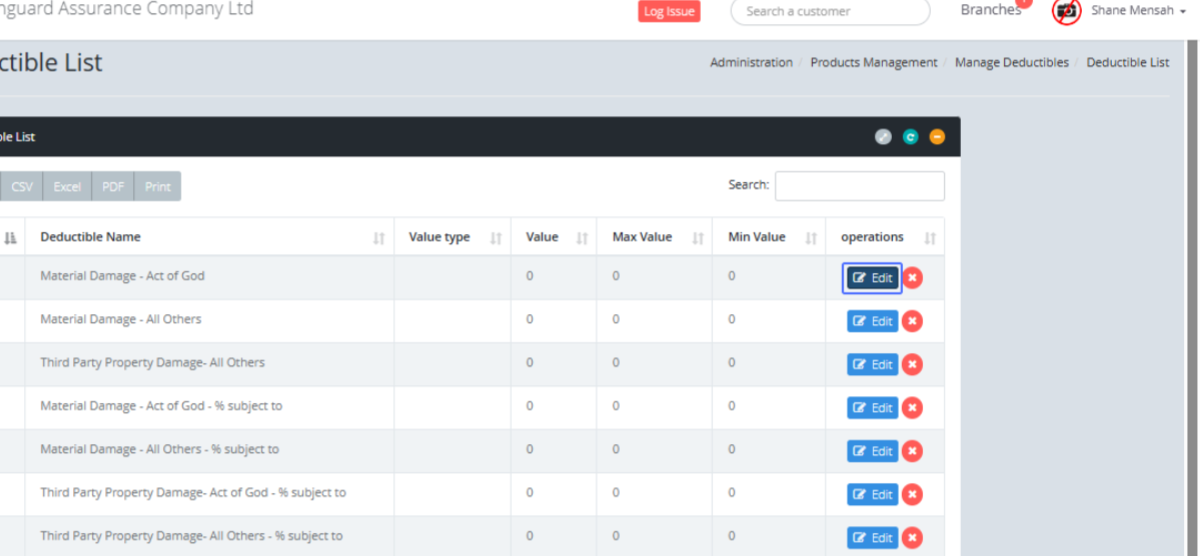
Navigate to the Deductible List: Click the Deductible list within the Manage Deductible section.

Tab Name: Deductible List - GENOVA INSURANCE
Select the Deductible to Edit: On the Deductible List page, click on the “Edit” button to edit the specific deductible within the list.
Tab Name: Create Deductible - GENOVA INSURANCE
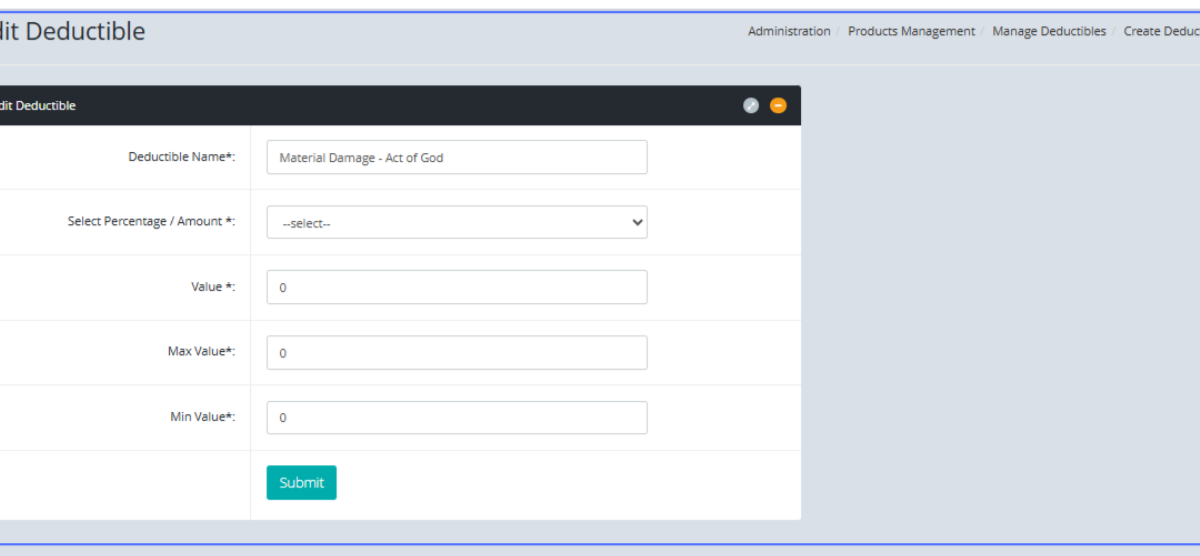
Access the Edit Deductible Form: Users will then be navigated to the existing deductible form.
Create a Deductible: Click on the “Create Deductible” button to create a new deductible.
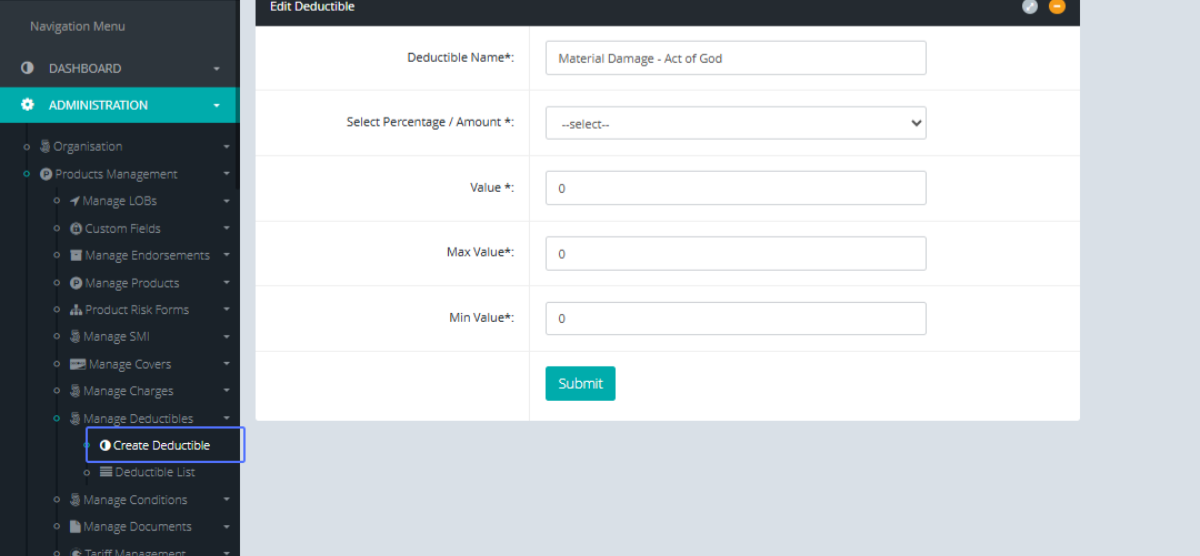
Enter the Deductible Name: Create a new Deductible by entering the Deductible Name into the provided field.
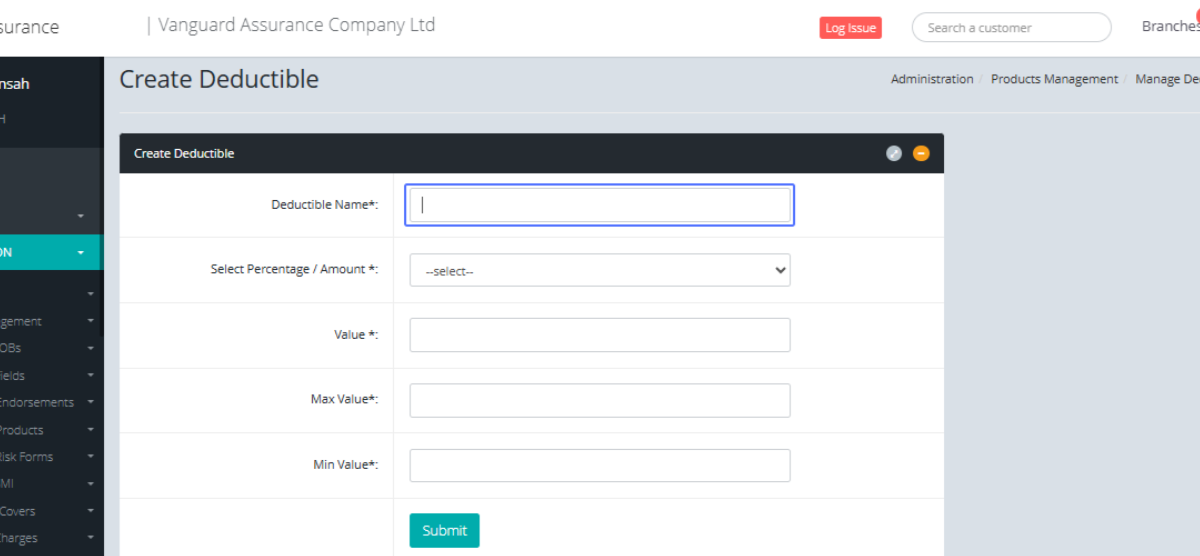
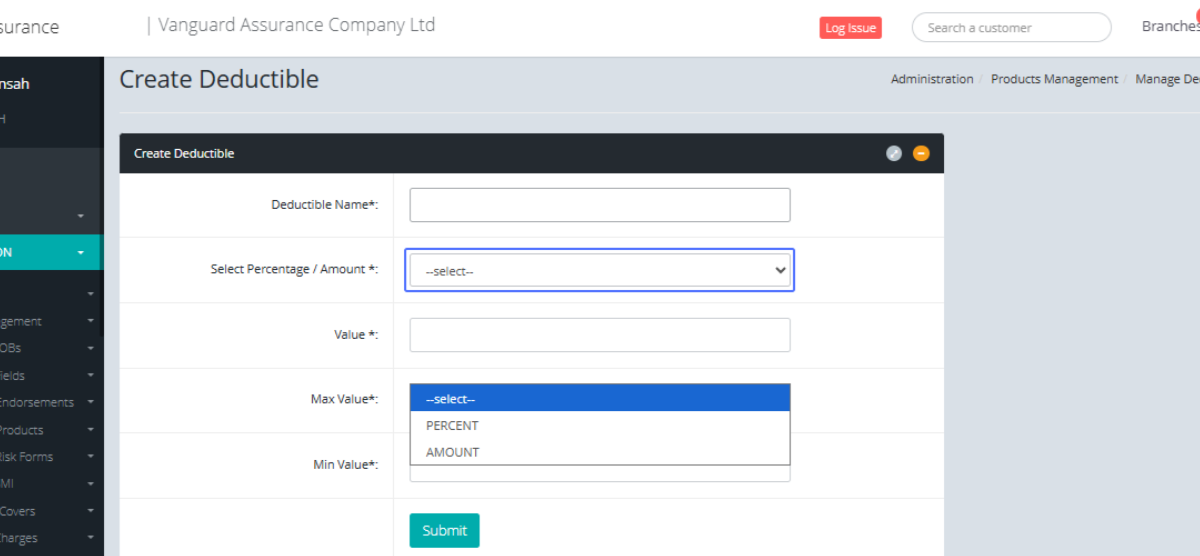
Select Value Type: Select the Percentage/ Amount from the given dropdown.
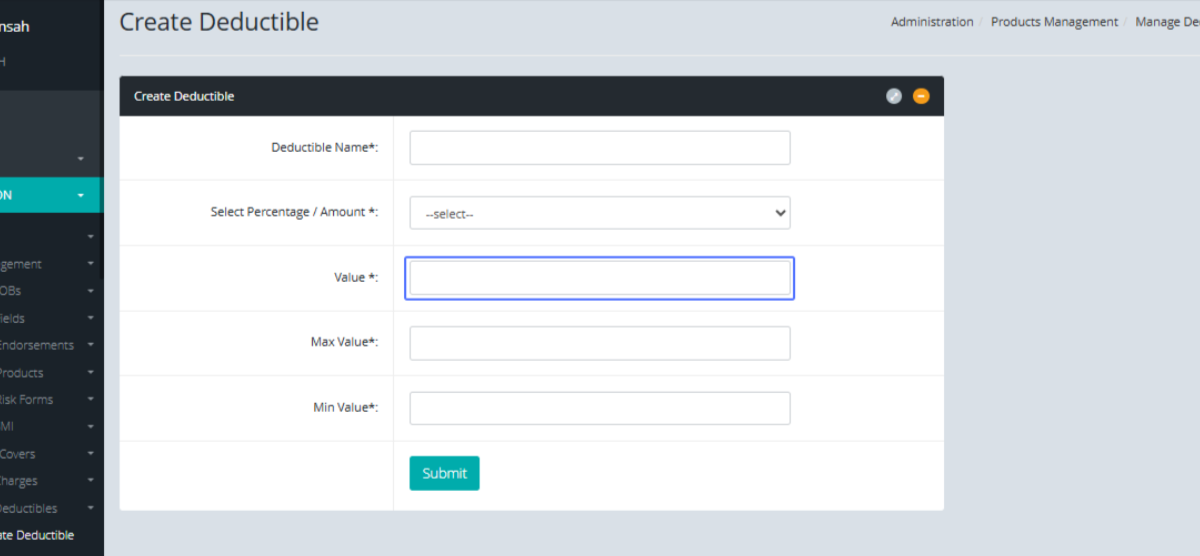
Enter the Value : Enter the value into the provided field.
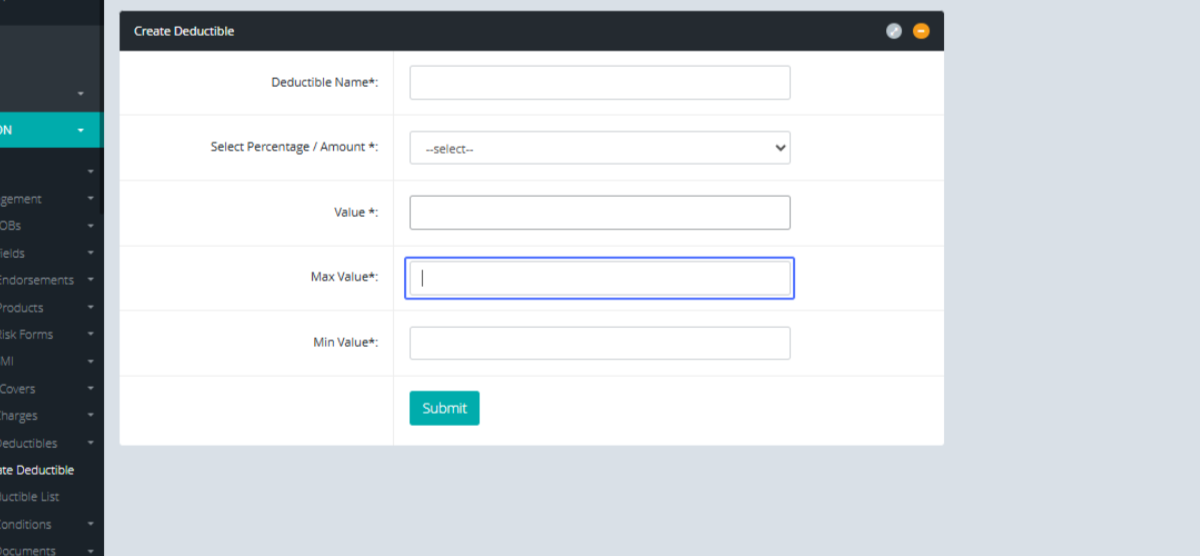
Enter the Maximum Value: Enter the maximum value into the given field (required)
Enter the Minimum Value: Enter the minimum value into the given field (required)
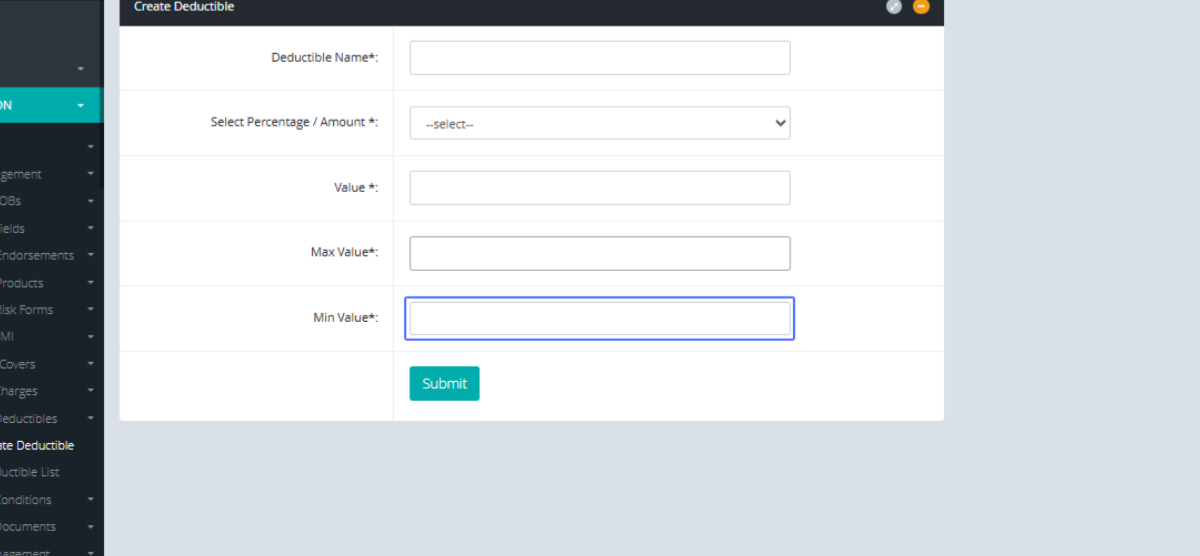
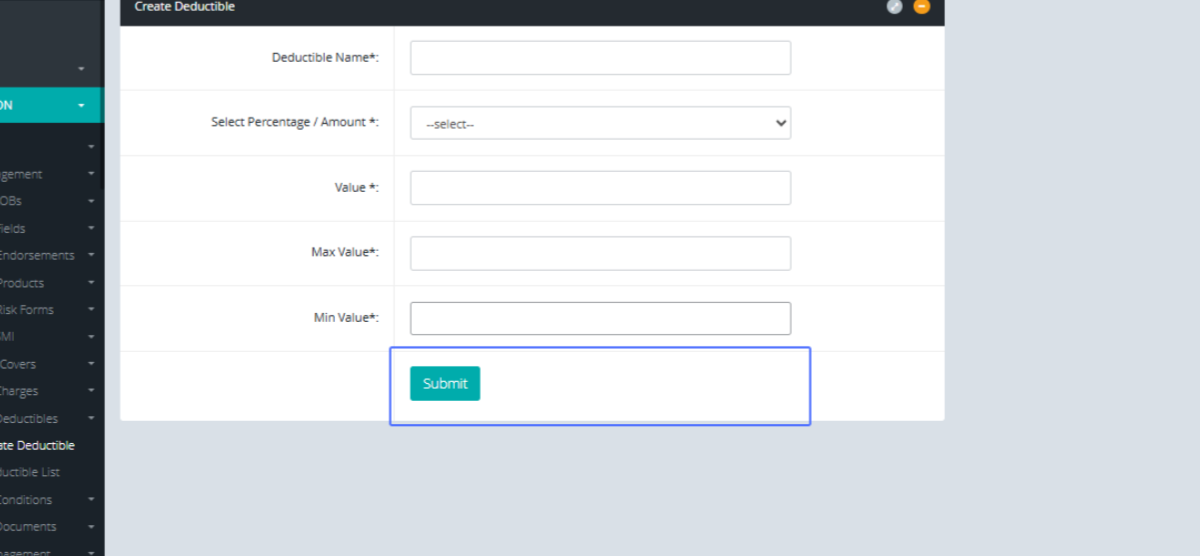
Submit Changes: When all conditions are taken care of, the user can click n the submit button to create the deductible.